
How to Map a Website Visitor Question to the Right Next Step
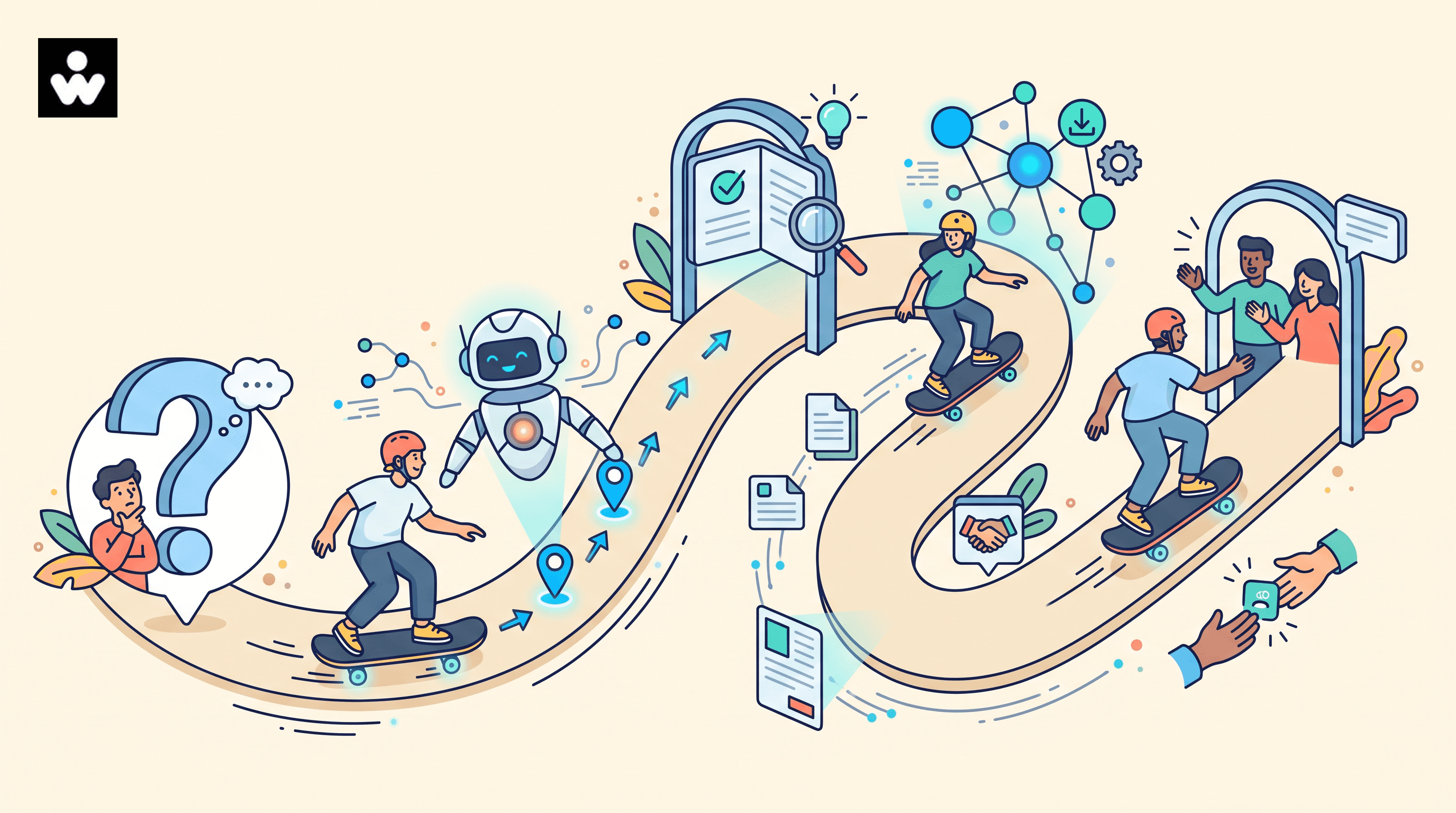
A website visitor rarely arrives with a perfectly labeled need.
They might ask, "Can this work with our existing tools?" when what they really need is a compatibility check. "How much does it cost?" may be a way to decide whether a conversation with sales is worth their time. And a request for a case study may really mean: "Can you show me this works for an organization like ours?"
The question is the starting point. A useful next step depends on what the visitor is trying to accomplish, the context they have shared, and how ready they are to act.
That is why a website chatbot customer journey should be a decision path, rather than a set of disconnected answers.
Visitor question → likely intent → useful response → appropriate next stepThis guide shows B2B teams how to map that path without pushing every visitor through the same funnel.
The question is the starting point. The next step should match what the visitor is trying to accomplish.
Key takeaway
- Read a visitor question through topic, intent, context, and readiness before choosing a response.
- Most questions lead to a self-serve answer, a focused resource or action, or a human handoff.
- Map one high-value question, test it against real conversations, and review handoffs with the teams who receive them.
Why the next step matters as much as the answer
An accurate answer can still create a poor experience if it sends the visitor somewhere irrelevant.
For example, someone asking about implementation may need a technical requirements page, an implementation guide, help confirming whether a use case is supported, or a conversation with a solutions specialist. A general product overview may not help them move forward.
The goal is to help each visitor make progress with as little unnecessary effort as possible. A chatbot does not need to answer everything to do that.
A useful journey map gives common questions a clear destination. That destination might be a concise answer, a focused resource, an action, or a human teammate. Sometimes the best next step is a short clarifying question, especially when the answer would change the recommendation.
Four signals to consider before choosing a next step
Read a visitor's question through four lenses. You do not need to collect every signal for every conversation. Use only what helps you choose a better response.
1. Topic: What is the question about?
Common B2B website topics include:
- Product capabilities
- Integrations
- Security and compliance
- Pricing and packaging
- Implementation
- Support
- Use cases
- Availability or eligibility
Topic points you toward the right information. It does not always tell you what the visitor wants to do with it.
2. Intent: What is the visitor trying to accomplish?
A question may signal that the visitor wants to:
- Learn
- Compare options
- Validate fit
- Estimate effort or cost
- Resolve a problem
- Speak with an expert
- Take an immediate action
Intent is often more useful than the exact wording. "Do you integrate with our CRM?" might be an early research question, or a final technical check before a buying conversation.
3. Context: What has the visitor already shared?
Relevant context may include the page they are viewing, the resource that brought them to the site, whether they are returning, a business segment they selected, earlier questions, or technical and pricing content they have already explored.
Use context to make the experience more relevant. If an important detail is missing, ask a brief, focused question. Do not fill the gap with a hidden assumption.
4. Readiness: How close are they to taking action?
A simple working model can help teams choose the right level of detail:
- Exploring: the visitor wants orientation and plain-language education.
- Evaluating: they need proof, comparisons, requirements, or examples.
- Deciding: they need confirmation, pricing context, implementation details, or a conversation.
- Existing customer: they need support, account guidance, or a specialist.
Readiness is a clue for this moment, not a permanent label. A visitor can move between stages during one conversation.
Map the question to a useful next step
Use this table as a starting set of hypotheses, then check it against real visitor questions.
The table is not a script. It makes the decision logic visible, testable, and easier for teams to improve.
| Visitor question | Likely intent | Useful first response | Appropriate next step |
|---|---|---|---|
| Can this work with our existing tools? | Validate fit | Say what you can confirm about connections, and what depends on the specific tools | Ask which tools, or open a focused integration page |
| How much does it cost? | Estimate cost, and decide whether a sales conversation is worth the time | Share the pricing context you can stand behind | Link public pricing, or offer a conversation when packaging depends on scope |
| Do you have a case study for a team like ours? | Validate fit | Point to the closest relevant example and say how it is similar | Link that example, or ask which industry or workflow matters |
| How long does implementation take? | Estimate effort | Name the planning areas that usually determine the timeline | Link an implementation checklist, or route to a specialist when the use case is not covered |
| Can I speak with someone? | Speak with an expert | Acknowledge the request and name who they will reach | Route to a person and pass along the context already shared |
Three useful destination types
Most visitor questions can lead to one of three kinds of next step.
1. A self-serve answer
Use self-serve when a clear, trustworthy answer is enough to help the visitor move forward.
A good self-serve response is specific enough to address the immediate question, easy to scan, honest about limitations, and linked to a deeper source when useful. It should use the visitor's language rather than internal product terminology.
When someone has clearly asked to speak with a person, self-serve content should not stand in the way of that handoff.
2. A relevant resource or action
Some questions need more than a paragraph. The right next step might be a calculator, comparison page, security brief, implementation checklist, demo request, or another focused resource.
Explain why you are recommending it. "Here is our resources page" leaves the visitor to search again. "This implementation checklist covers the three planning areas you mentioned" gives them a reason to take the next step.
3. A human handoff
A handoff makes sense when a question needs judgment, involves sensitive information or account access, requires nuanced scoping, or when the visitor explicitly requests a person.
Make the transition clear and preserve useful context for the receiving teammate:
- What the visitor asked
- What they have already tried
- Which page, product, or use case they were exploring
- Any relevant details they volunteered
- Why the conversation is being routed
Be transparent about whether the visitor is speaking with an AI assistant, following an automated workflow, or chatting with a human. Official Intercom guidance, for example, includes AI-agent disclosure and describes transitions between its AI agent, workflows, and human teammates. (1, 2)
A worksheet for mapping one visitor question
Start with one high-value question and complete the fields below. Write the question as a visitor would ask it, not as an internal category.
Visitor-question mapping worksheet
- Exact visitor question. Example: "Can your platform connect to the tools our operations team already uses?"
- Page or entry context. Where was the visitor when they asked? For example: an integration page, pricing page, or blog article.
- Likely intent. Select one or more: learn; compare; validate fit; estimate effort; resolve an issue; speak with an expert; take an action.
- What needs clarification? List only the information that could change the recommendation. For example: Which tools? Which workflow? Are they asking about technical feasibility or implementation support?
- Best first response. Write a direct answer in one to three sentences. State what you know, and be clear about what you do not.
- Best next step. Choose one: answer only; link to a focused resource; offer a relevant action; ask one clarifying question; route to a human teammate.
- Handoff condition. Define when the conversation should move to a person. For example: the visitor requests a human, needs architecture guidance, or describes a use case not covered by approved content.
- Success signal. Decide what progress looks like. Examples: the visitor finds the right resource, completes the requested action, confirms the answer helped, or reaches the right team without repeating themselves.
1. Exact visitor question:
2. Page or entry context:
3. Likely intent:
4. What needs clarification?
5. Best first response:
6. Best next step:
7. Handoff condition:
8. Success signal:
Design rules that keep the journey useful
Match the next step to the visitor's goal
Someone asking for technical requirements should receive technical requirements, not an automatic sales pitch. Someone asking for a person should be able to reach one without working through several self-service prompts first.
The map should help the visitor achieve their current goal while making the appropriate business path easy to find.
Ask fewer, better clarifying questions
A clarifying question is useful when its answer changes the recommendation. It creates friction when it collects information the team will not use.
Before adding a question, ask whether the answer will change the next step. If it will not, remove the question.
Be clear about uncertainty
If it is unclear whether a visitor means pricing, procurement, or implementation, say so. Name what you need to clarify and ask one focused question. A confident guess is worse than a short pause.
Give visitors an escape hatch
Every automated journey should make it easy to request human help. That option matters especially when a visitor is frustrated, stuck in a loop, dealing with a sensitive issue, or asking for a decision that requires expertise.
Review handoffs with the teams receiving them
Marketing, sales, support, product, and solutions teams may use the same words differently. Review the map together so terms such as "qualified," "technical," "urgent," and "ready for a conversation" have shared, operational meanings.
How to audit a website chatbot customer journey
Start with a small sample instead of trying to map every possible question:
- Collect 20–30 recent visitor questions from chat logs, forms, site search, and support conversations.
- Group them by topic and likely intent.
- Find questions that get an answer but no useful next step.
- Look for repeated requests for information the visitor already provided.
- Mark loops, dead ends, irrelevant recommendations, and unnecessary handoffs.
- Rewrite the highest-volume or highest-friction paths first.
- Test the updated map with real examples and review outcomes qualitatively.
A single metric will not tell you whether a journey is working. A high handoff rate could mean automation is struggling, or that it is correctly recognizing complex requests. A low handoff rate could mean the experience is efficient, or that visitors cannot find the option to reach a person.
Review the full path. Did the visitor get an answer? Did they understand what to do next? Did the receiving team get enough context? Did the visitor have to repeat themselves?
How a WellSkate AI chatbot can put the journey map into practice
A journey map becomes useful when it can guide real conversations. A WellSkate AI chatbot can use the map as a decision layer between a visitor's question and the next action.
Instead of treating every question as a request for a standalone answer, the chatbot can:
- Understand the visitor's question in context.
- Identify the likely topic and intent.
- Check the visitor's readiness based on the conversation and page context.
- Respond using approved company knowledge.
- Recommend the most relevant next step.
- Ask one clarifying question when the recommendation is uncertain.
- Preserve the conversation context if a human handoff is needed.
For example, consider a visitor who asks:
"Can this connect to the tools our operations team already uses?"
A WellSkate AI chatbot could follow this path:
- Identify the topic: integrations and technical fit.
- Assess the likely intent: the visitor may be validating whether the solution is worth exploring.
- Check for missing context: which tools and workflow are they referring to?
- Give a useful first response: explain confirmed integration capabilities without making unsupported claims.
- Ask a focused question: "Which tools would you need to connect, and what workflow are you trying to support?"
- Choose the next step: provide relevant integration details or route the visitor to a solutions specialist.
- Preserve context: pass along the original question, tools mentioned, page context, and information already shared.
This approach allows the chatbot to do more than retrieve content. It helps coordinate the visitor's movement from uncertainty to action while keeping the experience grounded in approved information and clear routing logic.
A simple WellSkate AI journey pattern
A practical implementation can use the following structure:
Question → intent signal → knowledge response → clarification or recommendation → action or handoffFor example:
- A visitor asks about implementation time.
- The chatbot identifies an effort-assessment intent.
- It explains the main implementation phases and variables.
- It asks whether the visitor wants general planning information or guidance for a specific environment.
- It recommends an implementation guide or offers a conversation with a specialist.
The chatbot should not force every visitor into a demo request. It should select the next step that best matches the visitor's current goal. That may be a page, a document, a form, a booking option, or a teammate.
Use the journey map as workflow logic
For each mapped question, teams can define:
- The approved knowledge sources the chatbot may use
- The intent signals to look for
- The minimum clarification needed
- The recommended resource or action
- The conditions for human handoff
- The context that should be passed to the receiving team
- The success signal to measure
This turns the journey map into an operational workflow that can be reviewed and improved over time.
The result is a chatbot that behaves less like a search box and more like a helpful guide. It answers what it can, acknowledges uncertainty when necessary, recommends a sensible next step, and brings in the right person when the conversation requires human judgment.
For a related look at putting a governed assistant on your site, see how to create an AI chatbot for your website, and why human-in-the-loop design is how enterprise AI actually ships.
Final takeaway
The most useful website chatbot is the one that helps a visitor move from an uncertain question to a sensible next step.
Map the journey in this order:
What did the visitor ask?
→ What are they trying to do?
→ What context matters?
→ What is the lowest-effort useful next step?
→ When should a human take over?
Start with one important question path. Document the decision logic, test it against real conversations, and improve it based on what visitors and receiving teams actually need. That gives your team a practical foundation for a more grounded customer experience and more useful website AI.
References
- Intercom Help, AI Agent Disclosure. Written June 30, 2026. Covers telling people when they are interacting with an AI agent, including a disclosure message in workflows.
- Intercom Help, Manage Fin AI Agent's escalation guidance and rules. Covers when an AI agent escalates to a human teammate, how the handover is explained, and how workflows route what happens next.
Audit one visitor question path before designing your next experience. To see how a WellSkate AI agent can answer from your own guidance and hand off with context, explore wellskate.ai or contact contact@wellskate.ai.