WellSkate can use your tabs.
You approve every task.
Ask in WellSkate chat. After you allow it, WellSkate opens the page, reads it, and answers from what is on screen — using the Chrome profile you already use.
Three steps. You stay in control.
Turn on Use my Chrome browser
In WellSkate chat, open Connected apps and enable Chrome for that organization.
Choose Allow once
The extension asks for control of this Chrome profile. You can turn it off anytime.
Approve each task
WellSkate opens or reuses a tab only after you approve. Nothing runs before that.
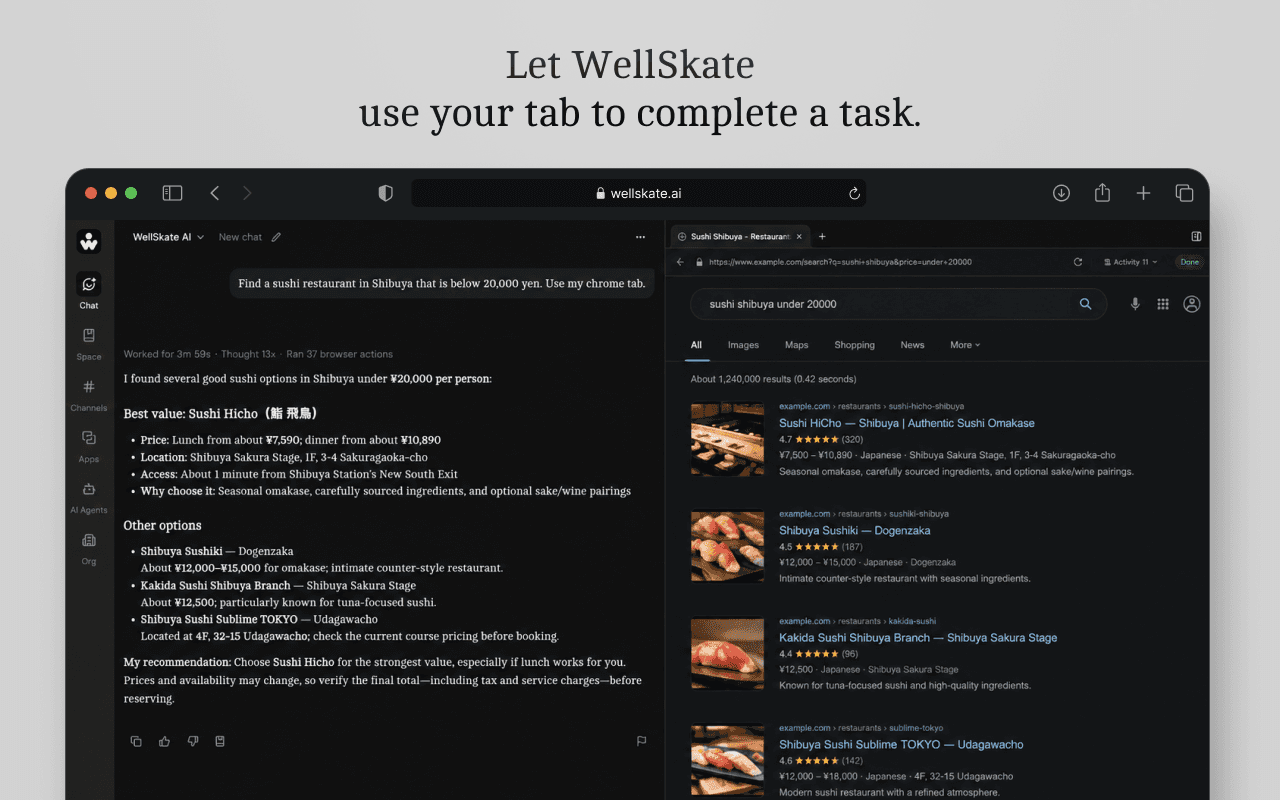
Let WellSkate use your tab to complete a task.
Research a product, compare options on a site you already use, and bring the answer back into chat — without leaving your signed-in session.
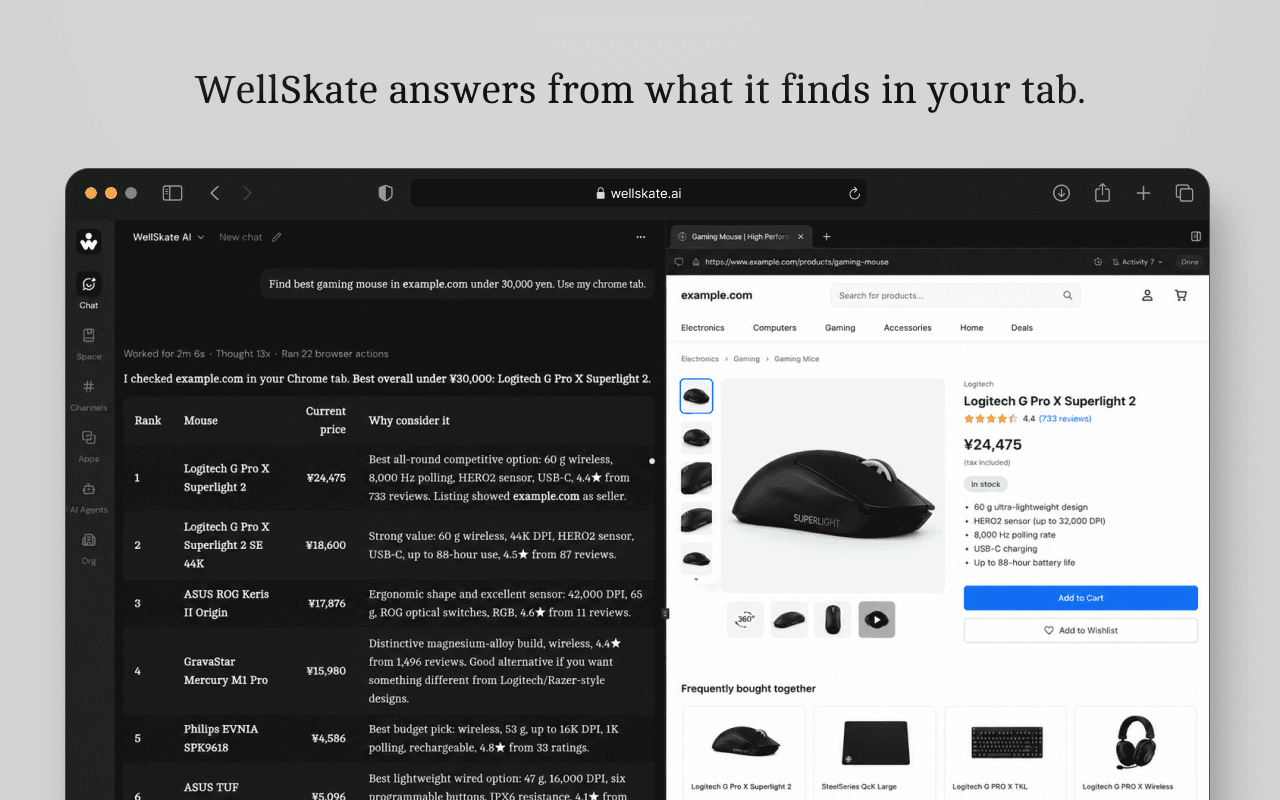
WellSkate answers from what it finds in your tab.
It gathers the information on the page and returns a clear answer in WellSkate — ranks, prices, and reasons you can act on.
Built for the browser you already work in
Signed-in sites
Work on pages where you are already logged in — stores, dashboards, and internal tools.
Sheets you already have open
Read or update a Google Sheet in your Chrome tab without connecting a separate Sheets API.
Your tabs stay in front
Task tabs run in a WellSkate group in the background, so your current tab stays where you left it.
See WellSkate work in your Chrome
Book a demo with your team, or sign in and turn on Use my Chrome browser when your organization is ready.